Power outage
Just automatic fuse turned off in upstream box.



Just automatic fuse turned off in upstream box.




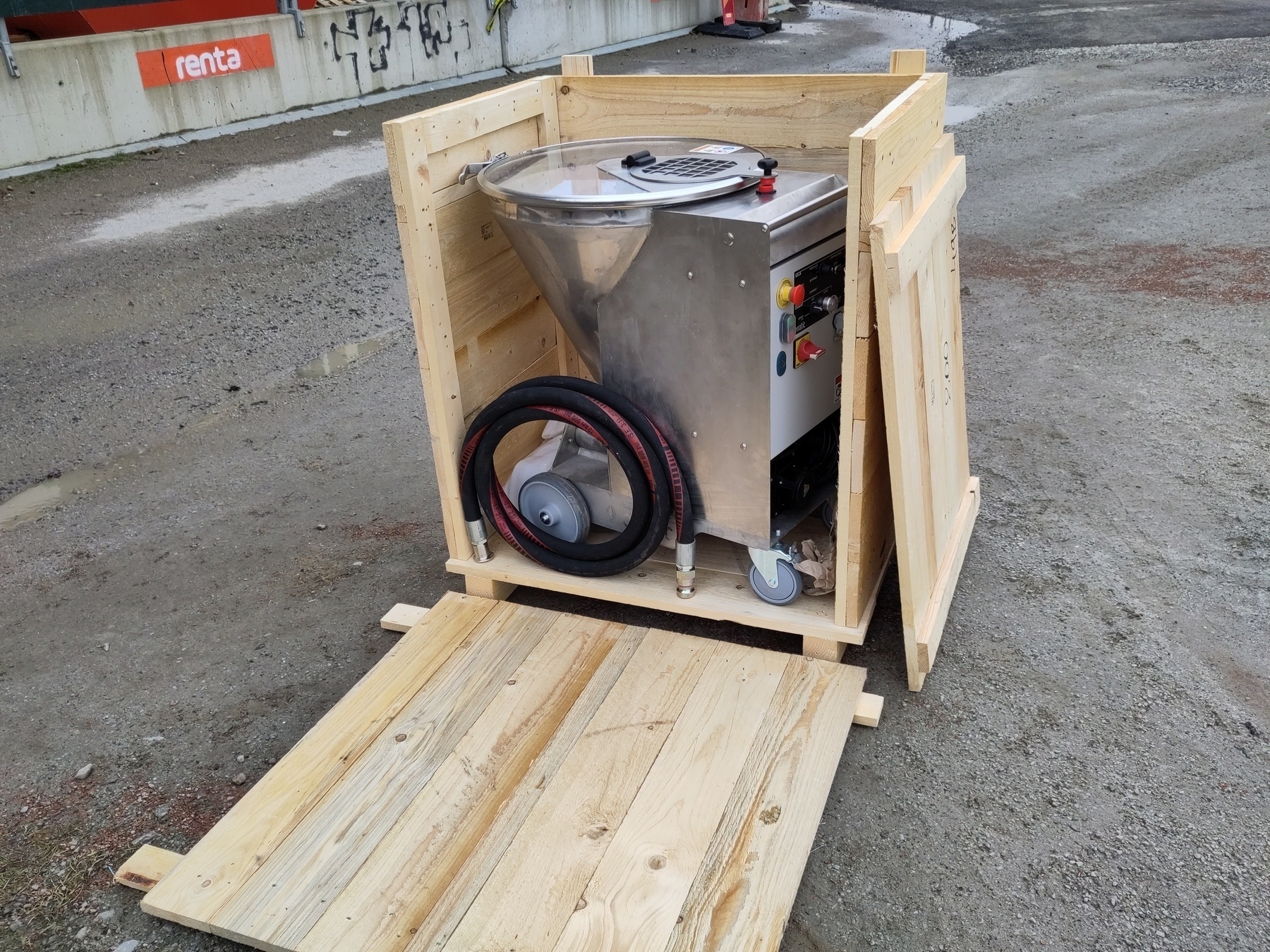
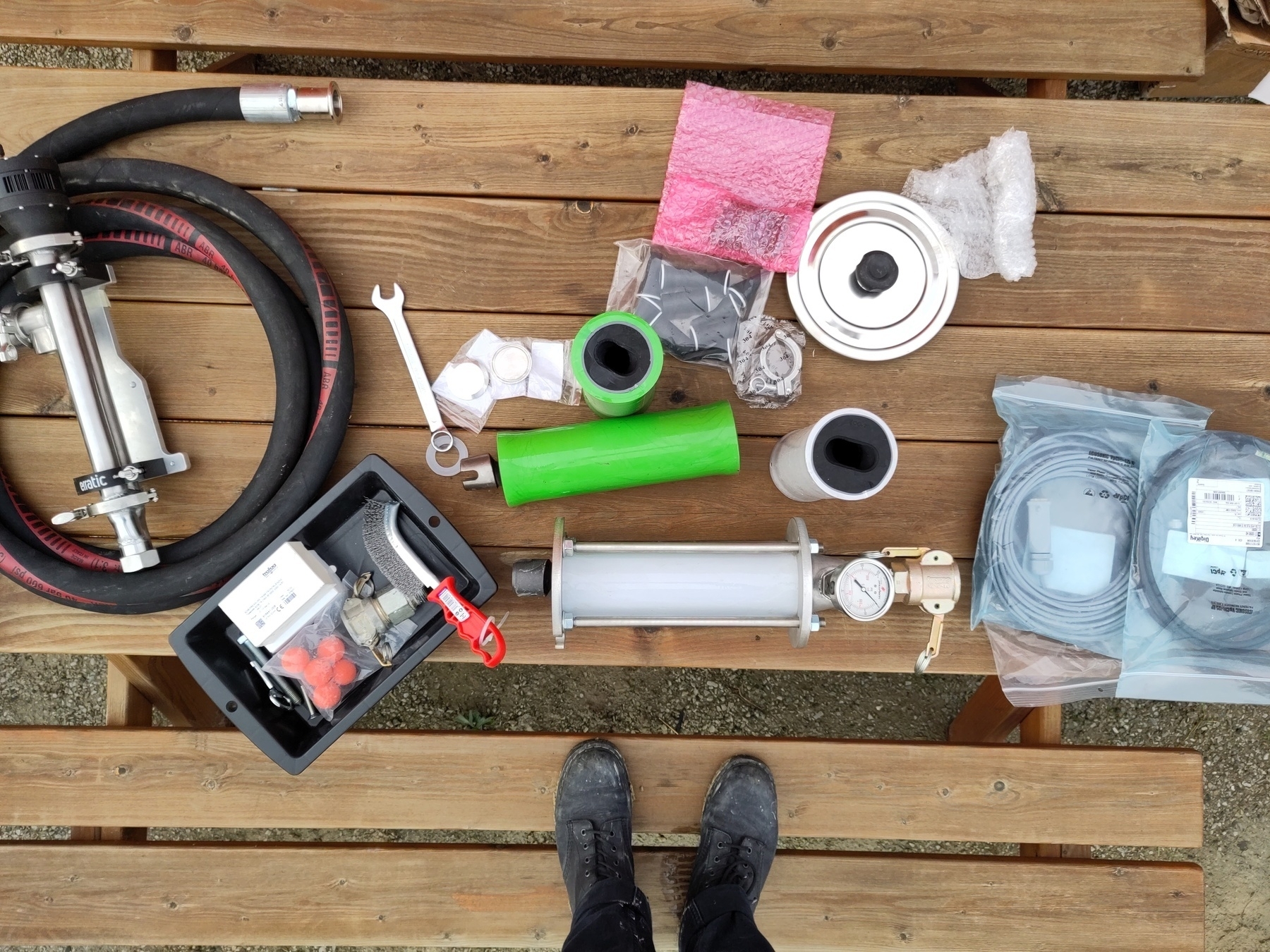
Second image is from Massimo (Erratic)


Sometimes a route needs to be manually configured in order to reach network nodes behind gateways/firewalls.
To do this you specify that to reach a certain subnet you need to go through a certain gateway.
In the following sections $SUBNET should be replaced with subnet (ip range) using either CIDR notation or subnet mask.
$GATEWAY should be replaced with gateway’s IP address.
These instructions assume that you are using IPv4 addresses.
From: Subnetwork - Wikipedia.
The routing prefix may be expressed in Classless Inter-Domain Routing (CIDR) notation written as the first address of a network, followed by a slash character (/), and ending with the bit-length of the prefix. For example, 198.51.100.0/24 is the prefix of the Internet Protocol version 4 network starting at the given address, having 24 bits allocated for the network prefix, and the remaining 8 bits reserved for host addressing. Addresses in the range 198.51.100.0 to 198.51.100.255 belong to this network, with 198.51.100.255 as the subnet broadcast address. The IPv6 address specification 2001:db8::/32 is a large address block with 296 addresses, having a 32-bit routing prefix.
From: Subnetwork - Wikipedia.
For IPv4, a network may also be characterized by its subnet mask or netmask, which is the bitmask that, when applied by a bitwise AND operation to any IP address in the network, yields the routing prefix. Subnet masks are also expressed in dot-decimal notation like an IP address. For example, the prefix 198.51.100.0/24 would have the subnet mask 255.255.255.0.
Use subnet mask, $SUBNET should be the route with 0 replacing variable parts of the IP. E.g. 192.168.X.0.
route -p ADD $SUBNET MASK $SUBNET_MASK $GATEWAY (the switch -p makes the route persistent)Use CIDR notation.
sudo route -n add -net $SUBNET $GATEWAYUse CIDR notation.
ip link (enp* or eth* for ethernet and wlp* or wifi* for wireless)DEVICE=enpXsYsudo ip route add $SUBNET via $GATEWAY dev "$DEVICE"
nmcli connection show (e.g. Wired Connection 1CONNECTION="Wired Connection 1"sudo nmcli connection modify "$CONNECTION" +ipv4.routes "$SUBNET $GATEWAY"
ip link (enp* or eth* for ethernet and wlp* or wifi* for wireless).Add the following to /etc/netplan/new_route.yaml (needs to be edited with sudo, any file name is fine with extension yaml/yml)
network:
  version: 2
  ethernets:
    enpXsY:
      routes:
        - to: $SUBNET
          via: $GATEWAY
Then run sudo netplan apply.